
Ita Bag Blog
How To Set Up An Ita Bag Step By Step | YourItBag
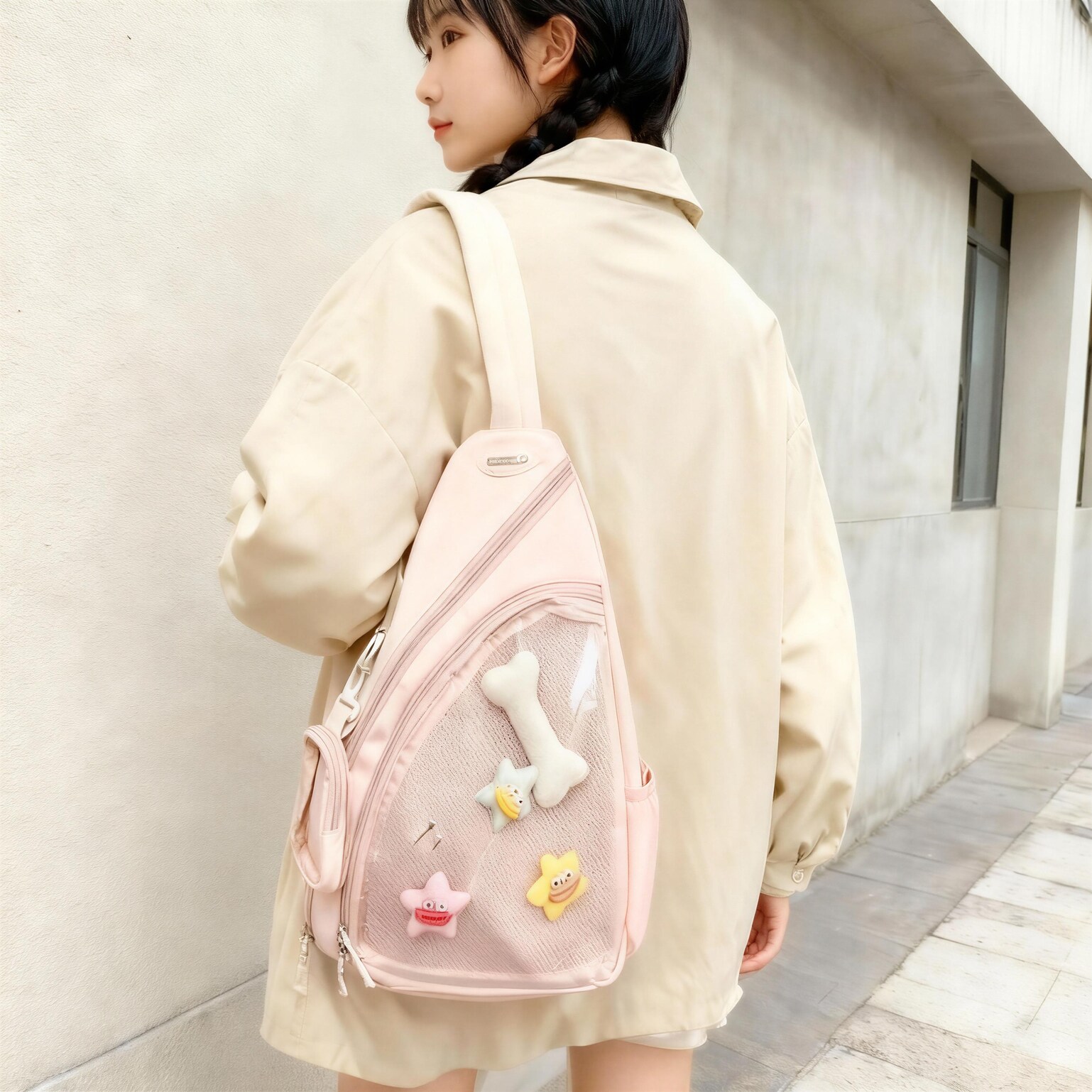
How To Set Up An Ita Bag Step By Step
How To Set Up An Ita Bag Step By Step with practical answers, real use cases, and next-step guidance for how to set up an ita bag
What You’ll Achieve
This guide walks you through the practical steps behind: How To Set Up An Ita Bag Step By Step | YourItBag. Whether you’re setting up your first display or troubleshooting an existing one, the steps below give you a clear process to follow rather than vague advice.
If you’re still choosing your first bag, read our beginner’s guide first — it covers the buying decision before you get to setup.
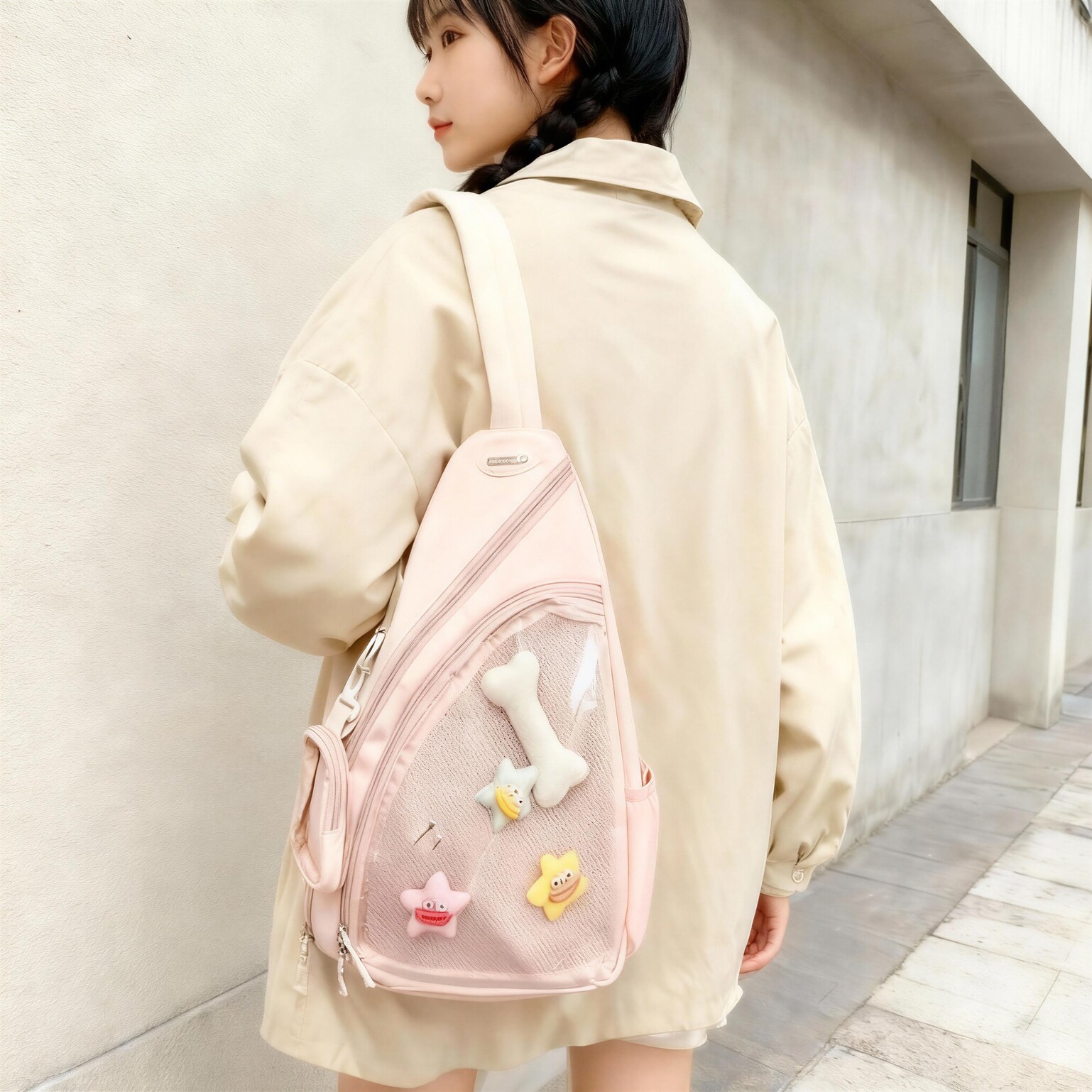
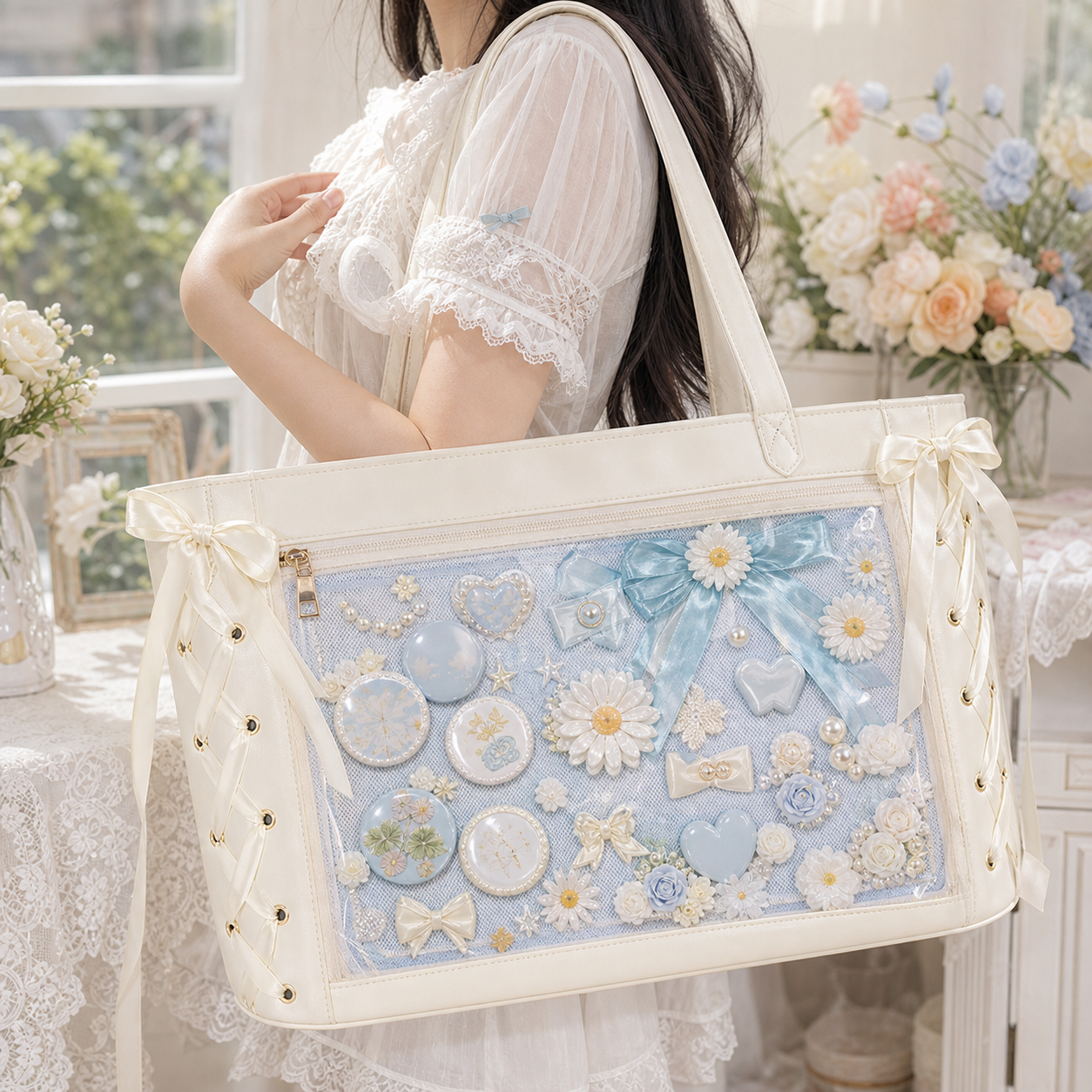
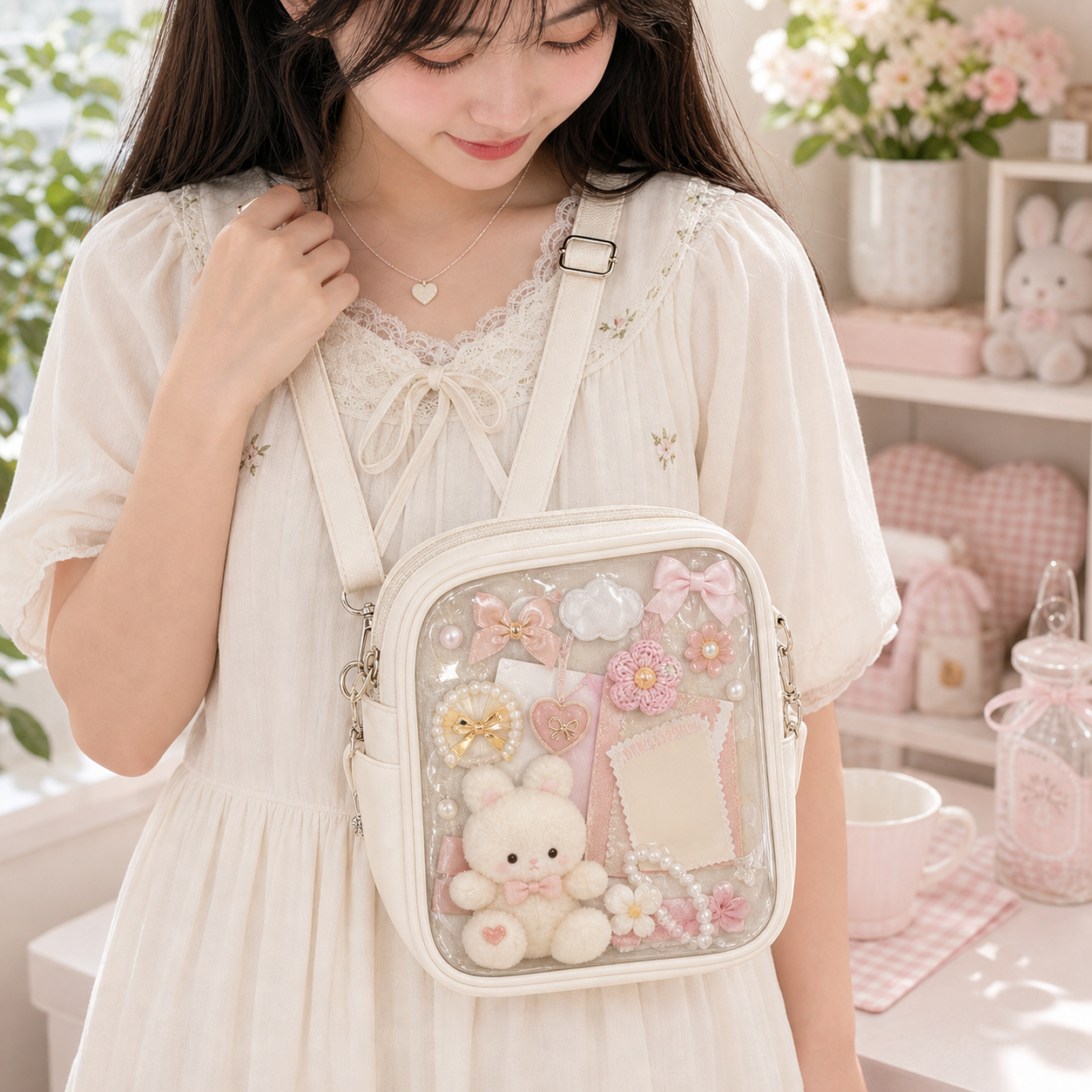
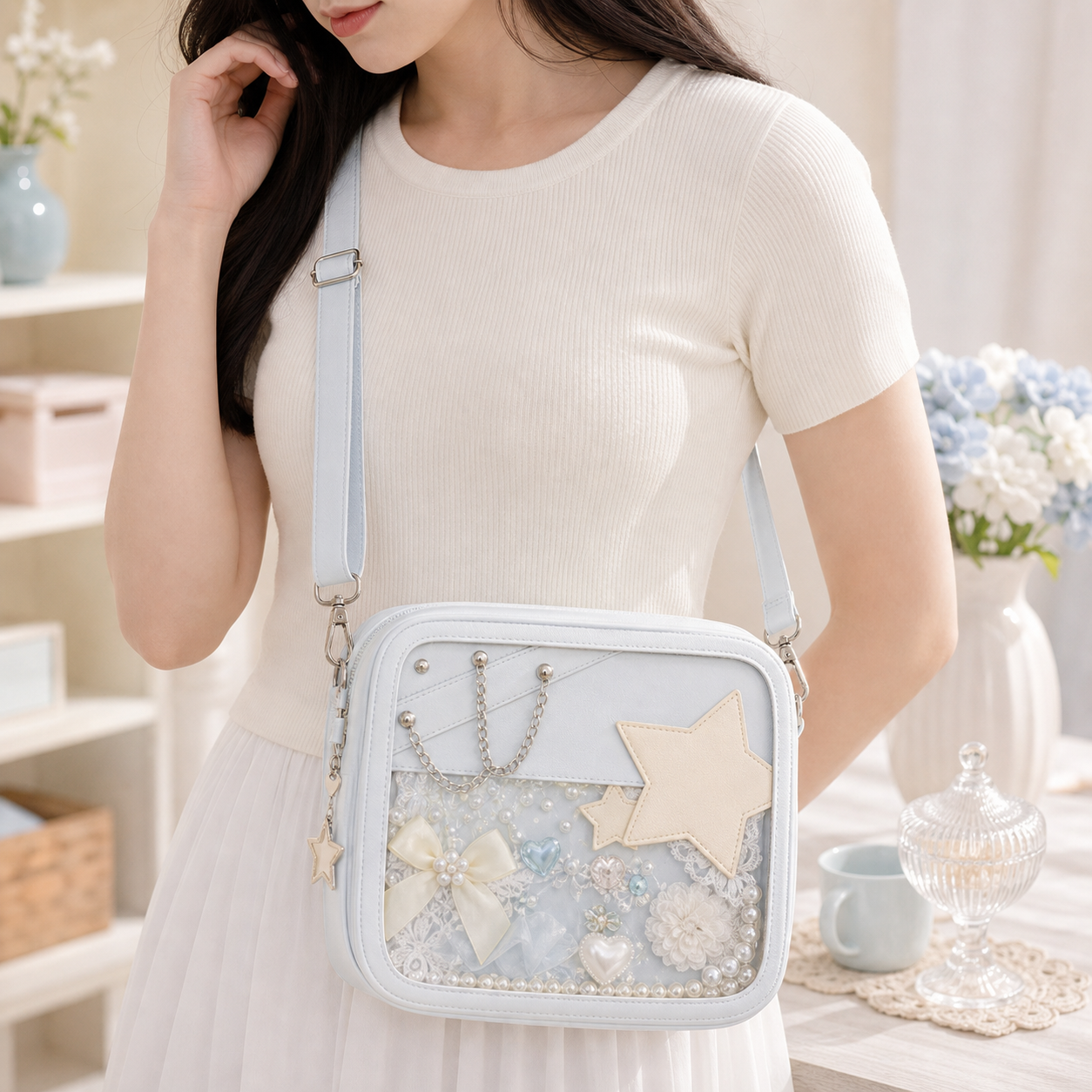
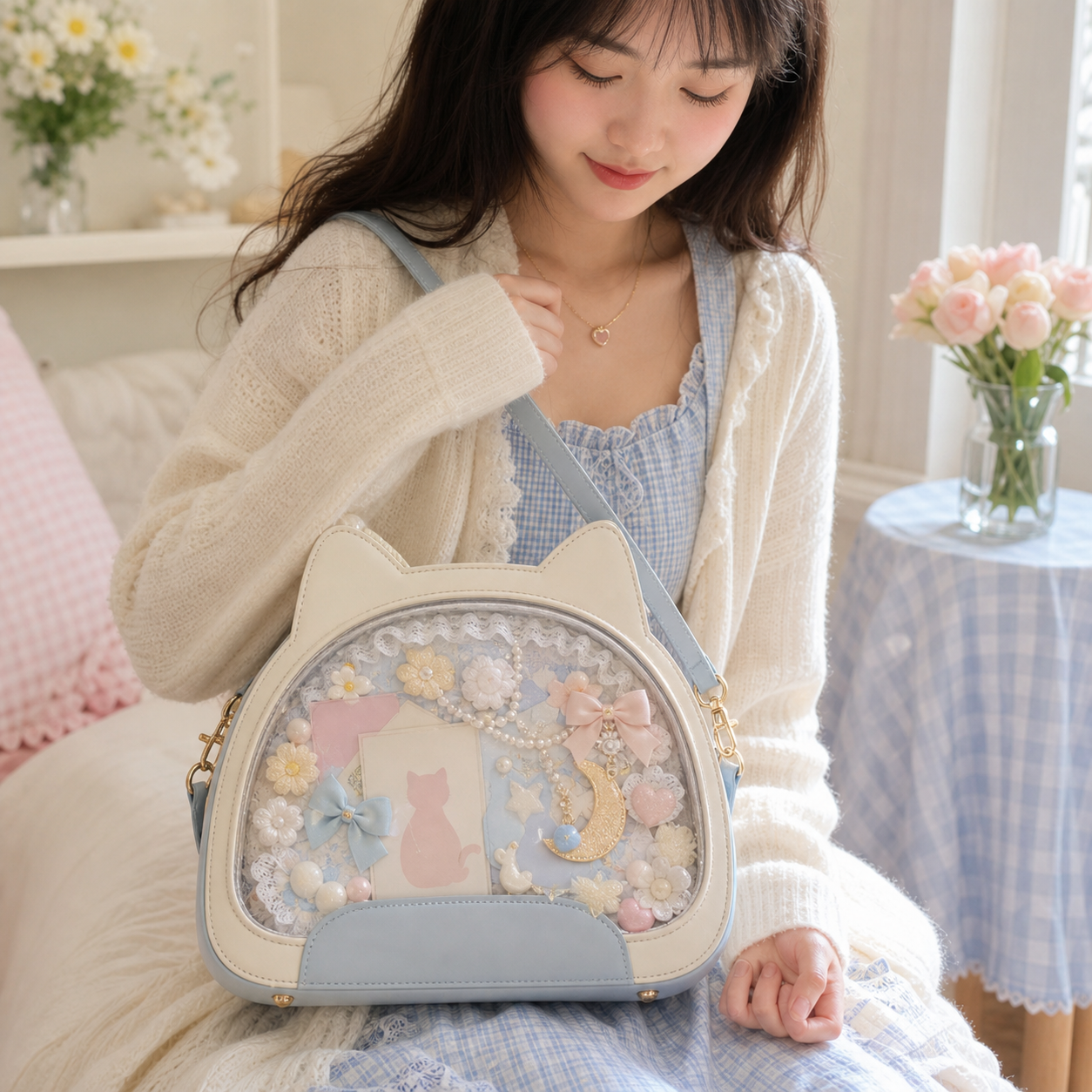
Featured Ita Bags
Free US shipping — 500+ styles, inserts, and accessories in stock.
What You Need
Before starting, gather the following:
- Ita bag — Clean and empty. If the PVC window has smudges, wipe with a soft damp cloth and let it dry fully before inserting anything.
- Insert board — Foam board (5 mm thickness recommended) cut to 1–2 cm smaller than the window opening on each side. See the insert size guide if you’re cutting to measure.
- Pins and accessories — Everything you plan to display, laid out on a flat surface beforehand so you can plan the layout without pinning and repinning.
- Toploaders (if using photocards) — Standard 35pt card toploaders protect photocards from PVC contact and allow you to pin the holder rather than the card itself.
Step-by-Step Process
Follow these steps in order for the cleanest result:
- Lay out your insert flat — Place the insert board on a table and arrange all your items on it without pinning. Take a photo of the layout you like before you start pinning so you have a reference if you need to redo it.
- Start with the largest pieces — Pin plushies, standees, or toploaded photocards first. They’re your anchor points. Everything else fills around them.
- Work outward from the center — Place your hero piece (the most important item) near the center of the insert, slightly above the midline. This is where eyes land first. Build your pin arrangement outward from there.
- Fill gaps with smaller pins — Smaller enamel pins and charms fill gaps between larger pieces. Aim for even visual density across the insert — bare patches on one side look unintentional.
- Check alignment with the window — Slide the insert partway into the bag and check how it looks through the window before fully inserting. Adjust any items that are being cut off by the window frame.
- Secure and close — Slide the insert fully in and close the bag. The PVC window should sit flat against the insert without bowing. If it bows outward, the insert is too thick or items are stacked too high.
Common Mistakes to Avoid
- Top-heavy inserts — Heavy items at the top cause the insert to tilt forward and press against the PVC. Keep heavier items in the lower third.
- Pinning bare photocards — PVC contact plus pin pressure causes card surface wear. Always use toploaders.
- Overfilling — A crowded insert is harder to read than a curated one. It’s better to display 15 items well than 30 items chaotically.
- Ignoring the frame edge — Items placed within 1 cm of the window frame are often partially hidden by the frame itself. Place hero pieces at least 2 cm from any edge.
Keeping It Looking Good
Ita bags are wearable displays, so they take some wear. The PVC window may develop minor surface marks over time — this is normal. Clean the inside of the window with a soft, dry microfiber cloth only; moisture between the window and the insert can cause the foam to absorb dampness. Replace the insert board if it starts to warp or lose rigidity.
Shop Ita Bags
If you’re ready to upgrade your display, YourItBag carries bags in every size and style — from mini crossbodies to full ita backpacks.
Shop Popular Ita Bags
Clear window styles, mini crossbodies, convention backpacks, and starter kits — the most popular picks from YourItBag.

New to ita bags? Start here: What is an ita bag? Everything you need to know →
Further Reading
Written and maintained by the YourItBag editorial team, drawing on product testing, collector community feedback, and ongoing market research.
