
Ita Bag Blog
Hololive Ita Bag Ideas: VTuber Merch Display Setups
Hololive Ita Bag Ideas: VTuber Merch Display Setups
A Hololive ita bag is built around your oshi colour. Choose the bag base and insert to match the talent’s signature shade, then let the merch — acrylic keychains, photocards, badges, and plushies — carry the character identity.
For a Hololive ita bag, choose a bag colour that matches your oshi’s signature colour, then fill the display with officially purchased Hololive merch — acrylic keychains, trading cards, badges, and small plushies. The bag and insert are not official Hololive products. No official licensing is implied for the bag base itself.
VTuber Merch Note
This page covers inspired display ideas for Hololive ita bags. Hololive Production talent names, likenesses, and character designs are the intellectual property of Cover Corp. This page does not imply any official licensing between YourItBag and Cover Corp or any Hololive talent. All character merch used in a Hololive ita bag — keychains, acrylic stands, trading cards, can badges, and plushies — should be purchased from official Hololive sources (hololive.tv, Booth, or official convention booths) or licensed third-party retailers. The ita bag base and insert are generic display products.
Featured Ita Bags
Free shipping on orders over $75 — 500+ styles, inserts, and accessories in stock.
Oshi Colour Guide
| Oshi colour | Example Hololive JP talent | Bag base suggestion |
|---|---|---|
| Red / crimson | Akai Haato | Red or deep rose ita bag |
| Orange / warm gold | Momosuzu Nene | White or cream bag, orange accent insert |
| Yellow / sunflower | Amane Kanata | White bag, yellow or gold insert |
| Light green | Mori Calliope (accent) / Shirakami Fubuki | White or mint bag |
| Blue / sky blue | Gawr Gura | Light blue or white ita bag |
| Purple / violet | Tokino Sora / Roboco | Lavender or white bag |
| Pink | Minato Aqua / Sakura Miko | Pink ita bag or white with pink insert |
| Black / dark | Mori Calliope | Black bag, red or pink accent |
This table reflects general oshi colour associations. Always confirm your specific oshi’s signature colour from their official profile before choosing a bag. Hololive talent colour assignments are defined by Cover Corp and may vary by generation or redesign.
Layout Ideas
- Single-oshi shrine: centre one large acrylic keychain or standee from your oshi, surround with can badges and trading cards featuring the same talent. Use the oshi’s signature colour for the insert background.
- Gen display: arrange one item per generation member in a grid layout. Use white or neutral insert so multiple oshi colours remain readable side-by-side. Leave space between items to prevent the display from looking crowded.
- Photocard focus: use a flat insert board lined with small photocard pockets or sleeves and fill with trading cards from a single oshi or a specific event or album release.
- Charm wall: layer acrylic keychains at varying heights from top to bottom of the window using small hooks or safety pins. Choose one colour family for the charms to keep the wall coherent.
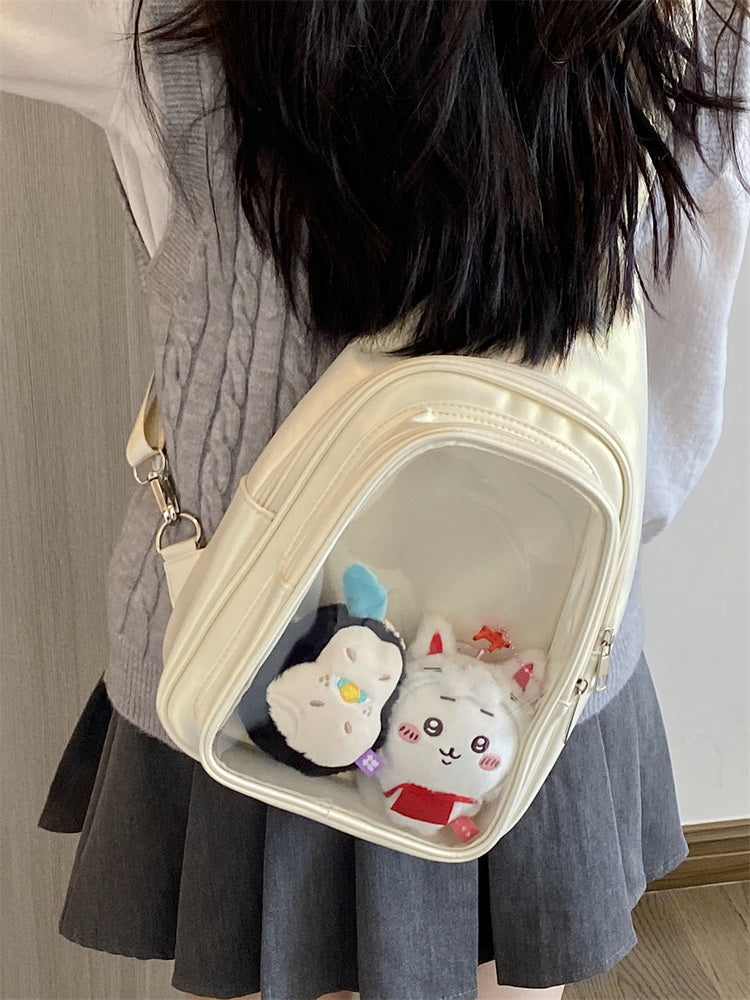
- Plushie centrepiece: place one Hololive talent plushie at the centre of the display window. Surround with flat badges and avoid items taller than the plushie so it remains the clear focal point.
Bag Choice
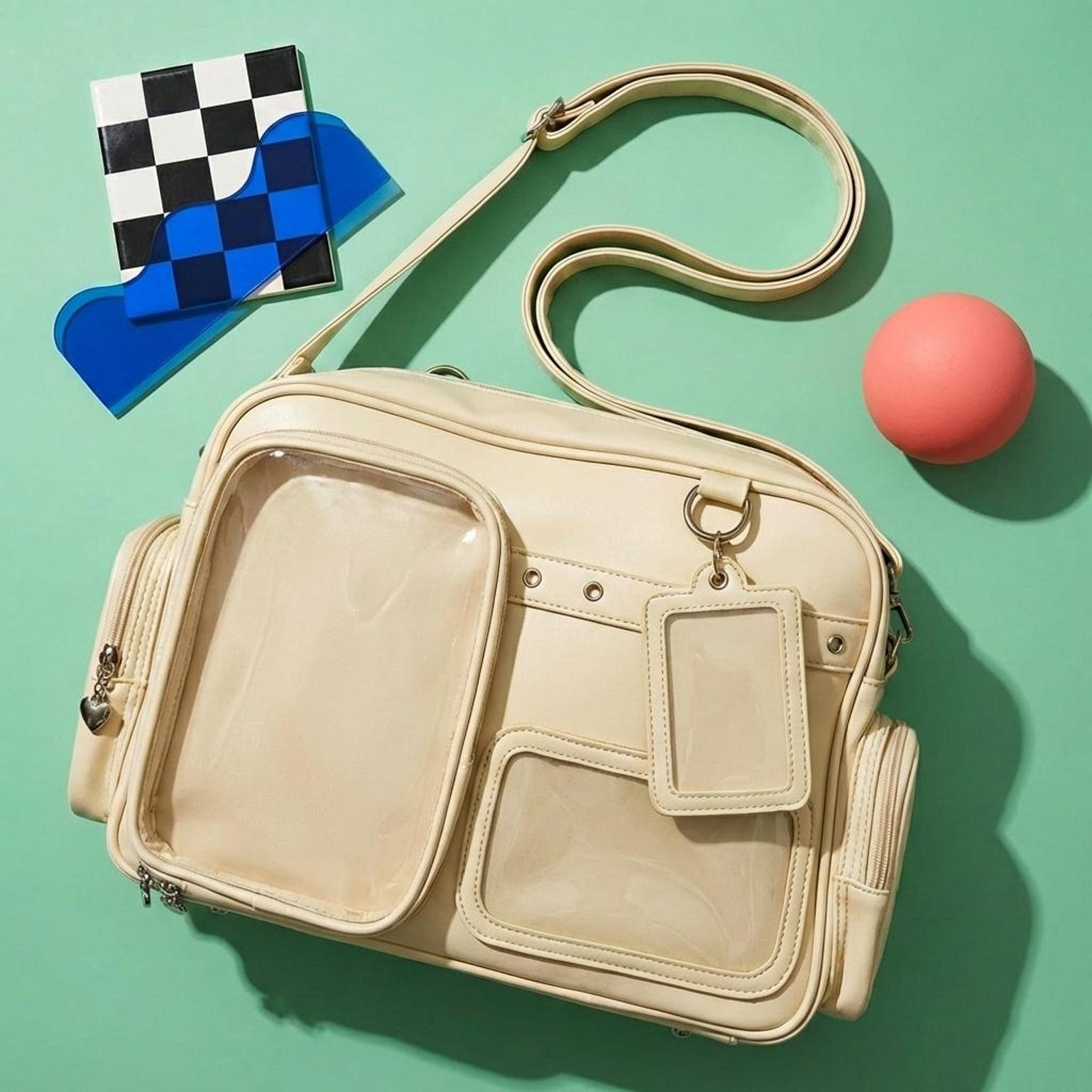
The right ita bag for a Hololive build depends on your oshi’s colour and the merch you plan to display. For photocards and trading cards, a flat crossbody or shoulder bag with a wide shallow window works best. For plushies, you need a deeper bag with a larger window — check the ita bag size guide before ordering. For a multi-oshi gen display with mixed items, a standard crossbody with a removable insert panel gives the most flexibility. Browse all ita bags and match the colour to your oshi’s signature shade. For compact single-oshi daily carries, explore mini ita bags. For photocard-heavy displays, check photocard ita bags.
Quick Comparison: Hololive Display Formats
| Format | Best for | Pros | Cons | Recommended category |
|---|---|---|---|---|
| Mini crossbody | Single-oshi shrine, daily carry | Light, clean, focused display | Not enough room for plushie or large acrylic | Mini ita bags |
| Standard crossbody | Gen display, mixed merch types | Balanced window space and carry comfort | Multi-oshi layouts need clear planning | All ita bags |
| Photocard bag | Trading card and photocard display | Wide flat window, easy card swap | Not suitable for bulky 3D merch | Photocard ita bags |
| Backpack | Convention, plushie or large acrylic display | Most depth, largest window, practical storage | Heavier, harder to keep tidy during a long day | Size guide |
Shop Popular Ita Bags
Explore our top picks — clear-window bags ready to ship.
Frequently Asked Questions
What ita bag colour should I choose for a Hololive build?
Choose a bag colour that matches your oshi’s signature colour. If your oshi’s colour is pink, start with a pink ita bag. If it is black with red accents (like Mori Calliope), use a black bag with a red or pink insert. A neutral white bag works for multi-oshi gen builds because it does not compete with any single talent’s colour. Confirm your oshi’s exact colour from their official Cover Corp profile before purchasing.
What merch can I put in a Hololive ita bag?
Hololive ita bags typically hold acrylic standees and keychains, trading card photocards, can badges, fabric badges, small plushies, and themed charms. Source all character merch from official Hololive channels (hololive.tv, Booth, official convention booths, or licensed retailers). The ita bag display window protects flat items best; use a deeper backpack-format bag if you plan to display large plushies or stacked acrylics.
Does YourItBag sell official Hololive ita bags?
YourItBag sells clear-window ita bags in colours that match Hololive oshi palettes. These bags are not officially licensed Hololive or Cover Corp products. For official Hololive character merch, purchase directly from hololive.tv, the official Booth store, or licensed retailers. Browse all ita bags to find a bag in your oshi’s colour, and see photocard ita bags if your display is primarily trading cards.
Common Mistakes
- Choosing the bag before checking whether the window is large enough for the merch — a plushie or tall acrylic standee will not fit in a shallow window.
- Using unofficial or fan-made prints to represent a talent’s official character without noting they are unofficial — this creates false impression of licensed merch.
- Mixing too many oshi colours in a small bag without a layout plan — the display becomes unreadable and no focal talent stands out.
- Buying the bag in a generic colour that does not match any oshi palette, then struggling to make the display feel intentional.
Display Tips
Hololive ita bags work best when the display communicates the oshi clearly within the first glance. Use the oshi’s signature colour for the insert background, not just for the merch. This creates immediate colour recognition even before the viewer reads the acrylic art. For gen displays, separate each talent’s zone with a thin strip of washi tape in that talent’s colour — this gives structure without needing a formal grid insert.
- Use removable putty or hook-and-loop tabs to secure heavier acrylic keychains so they do not pull pins out over time.
- Leave room for seasonal or anniversary merch drops — Hololive releases new items regularly and your collection will grow.
- Check ita bag accessories for insert boards, rosettes, and badge covers that suit VTuber builds.
- Photograph your finished layout from the front as reference for rebuilding after cleaning or convention travel.
Shop Ita Bags
Find the right base bag for your Hololive ita bag display:
- All ita bags — filter by colour to match your oshi palette
- Mini ita bags — compact single-oshi daily carry builds
- Photocard ita bags — trading card and flat merch displays
- Ita bag size guide — choose window depth before ordering a plushie display
- Ita bag accessories — inserts, rosettes, badge covers, and chains
Related Ita Bag Guides
Continue with the guide that matches the next decision in your build.
Ready to build your ita bag?
Browse 500+ ita bags, inserts & accessories — with free US shipping at YourItBag.
Shop Ita Bags Starter Kit