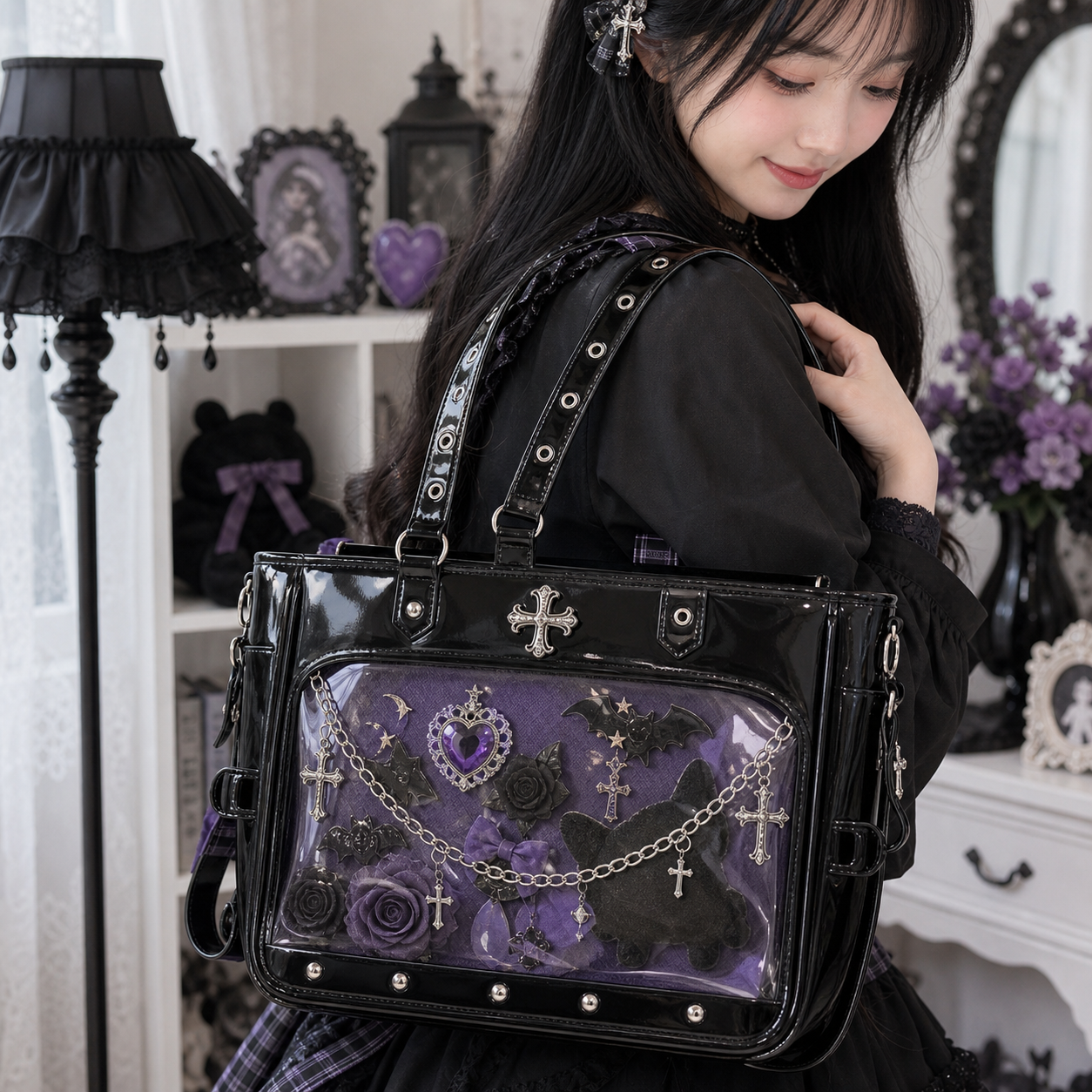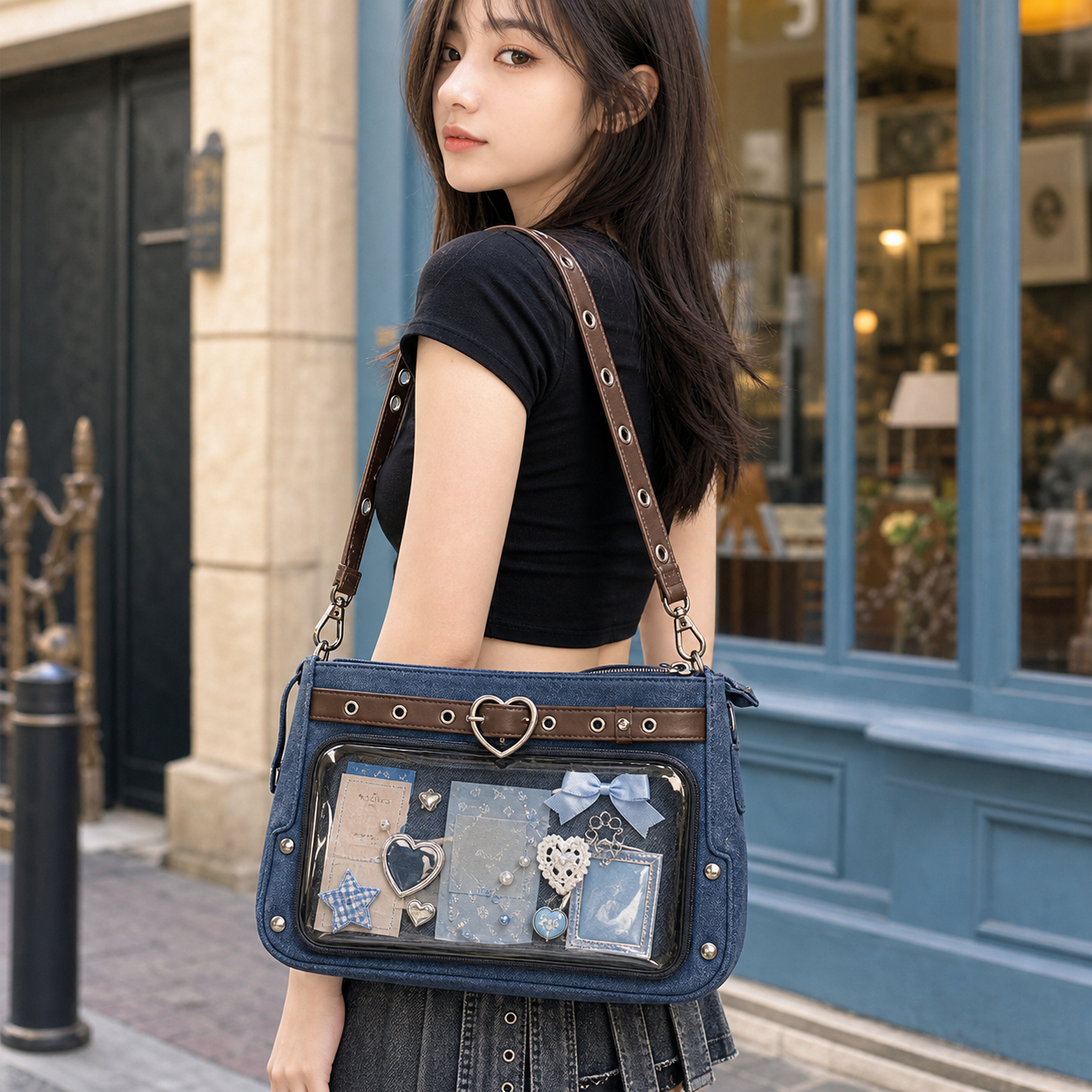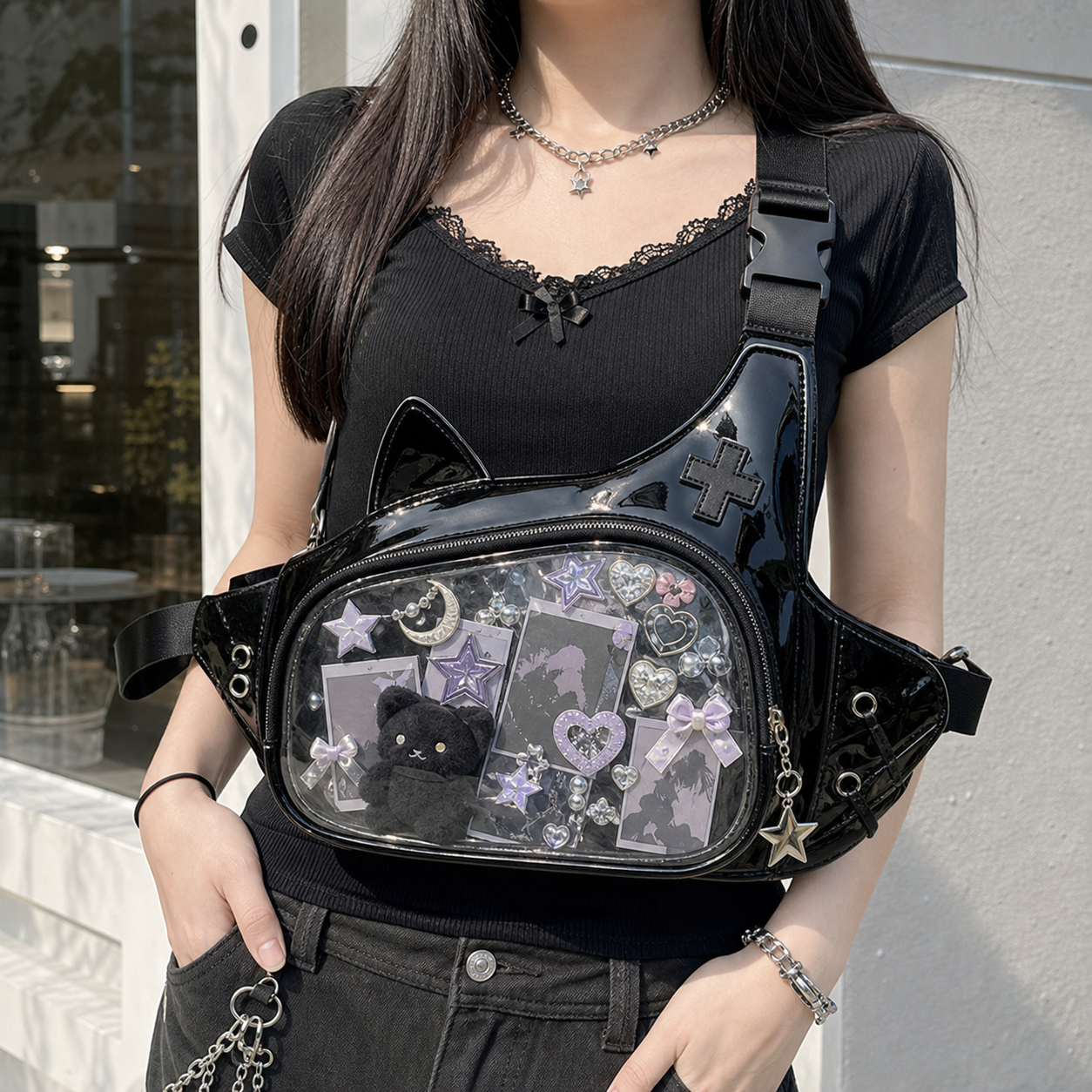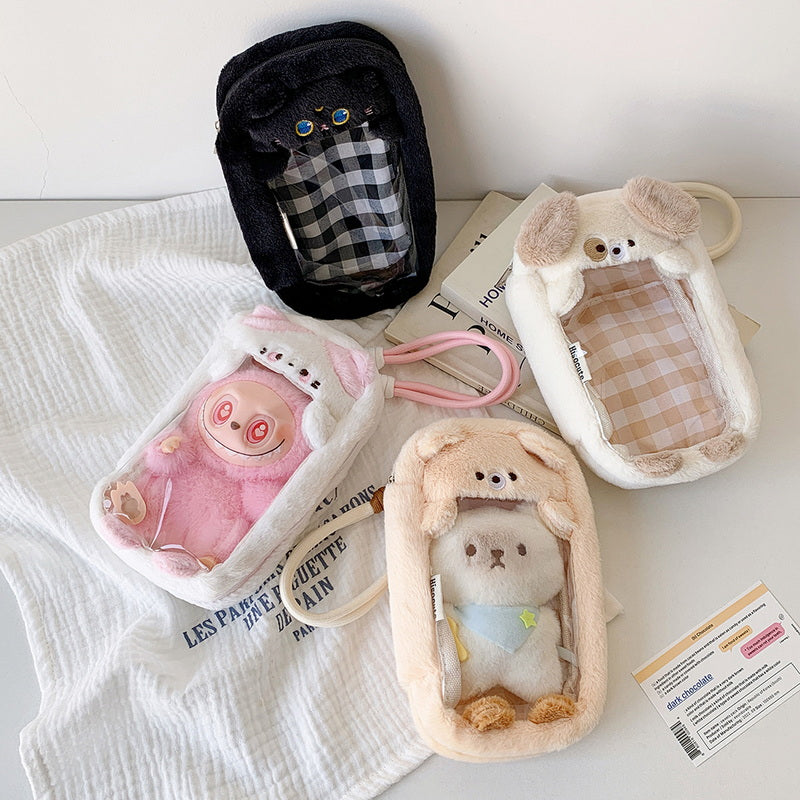
The Essential Three
1. The Bag
Choose based on your primary merch type and how you’ll carry it:
| Merch type | Recommended bag |
|---|---|
| Pins and badges | Any clear-window crossbody or backpack, 20cm+ window |
| Photocards | Flat rectangular window, 20×15cm minimum |
| Plushies (10-15cm) | Plushie-compatible bag with deep window |
| Mixed collection | Medium crossbody, 22×18cm window |
Not sure? Start with a Starter Kit — it includes a bag matched to a compatible insert.
2. The Display Insert
The insert is the surface your pins attach to. Without it, your pins rattle loose and scratch each other.
- Most YourItBag bags include one — check the product listing
- If not included: buy a compatible insert from our inserts collection
- DIY option: dense foam wrapped in felt (see DIY insert guide)
3. Your Merch
The display is only as good as what you put in it. No minimum quantity — a focused display of 5-10 pieces looks intentional and clean. Start with your favorites.
The Full First-Build Checklist
Before You Start
- [ ] Bag with clear window ✓
- [ ] Compatible insert ✓
- [ ] Your merch ready to display ✓
- [ ] Clear card sleeves if displaying photocards (60×90mm) ✓
Setting Up Your Display
- [ ] Insert slides into window compartment without forcing
- [ ] Insert sits flat against the window (no bowing)
- [ ] Pins push into insert firmly (if they go through with no resistance, the foam is too soft)
- [ ] Merch arranged with breathing room — not packed edge to edge
- [ ] Window closes fully with display inside
Optional Upgrades (when you’re ready)
- [ ] Badge covers on your most valuable pins (protects them from scratching)
- [ ] Decorative chain for the handle/strap
- [ ] Rosette for the window frame
- [ ] Spare insert for a second theme/display rotation
- [ ] LED light strip for evening events
Common First-Build Questions
How many pins should I put in my first display?
Start with 8-15 pieces. A focused display looks better than an overpacked one. You can always add more.
Do I need to buy accessories before I can use my ita bag?
No. Bag + insert + your merch is everything you need. Accessories are upgrades, not requirements.
What if my insert doesn’t come with the bag?
Either buy a compatible insert (check inserts collection) or make a simple no-sew insert (see DIY guide). A basic foam-and-felt insert costs under $5 to make yourself.
Can I change my display later?
Yes, easily. Pins remove and reattach with just the pin back. You can completely redesign your display in 10-15 minutes.
Your First Month with an Ita Bag
Week 1: Set up your first display. Keep it simple — 8-10 pieces you really love.
Week 2: Wear it out. Notice what you like and what could be better. Too many pieces? Too few? Wrong size for your collection?
Week 3-4: Adjust. Swap out pieces you don’t love. Add badge covers to anything valuable. Consider a chain or rosette if you want to elevate the look.
Month 2+: Start building a second display theme, try a different insert style, or consider a second bag for a different use case (display bag + carry bag).
Frequently Asked Questions
Q: What do I need for my first ita bag?
Three things: a clear-window ita bag, a display insert, and the merch you want to display. Everything else — chains, rosettes, LED lights — is optional and can be added later.
Q: Do ita bags come with everything you need?
Most YourItBag bags include a display insert. Some starter kits include additional accessories. Check the “What’s included” section on each product listing. You’ll need to supply your own merch (pins, badges, photocards, etc.).
Q: How long does it take to set up a first ita bag display?
15-30 minutes for a first setup — most of the time is deciding the arrangement. Once you have your layout in mind, actually pinning the display takes 5-10 minutes.
Q: Can I take the display out of my ita bag?
Yes. The insert slides out of the window compartment. You can carry your display insert separately or swap it for a different one.
Start Your First Build
→ Ita Bag Starter Kits — bag + insert in one
→ Shop All Ita Bags
→ How to Set Up Your Ita Bag — step-by-step setup guide
→ Ita Bag Size Guide
→ Ita Bag Beginner Mistakes — what to avoid
Shop Popular Ita Bags
Clear window styles, mini crossbodies, convention backpacks, and starter kits — the most popular picks from YourItBag.