
Ita Bag Blog
Ita Bag Insert Templates: How to Make a Printable Layout
Insert Templates
How to make a printable template for your ita bag insert: measuring the window, setting it up at true size on A4 or Letter paper, adding a pin grid, and using it to cut and mark the board.
What is an ita bag insert template, and do you need one?
An insert template is a paper outline of your bag’s display window, often with a grid marked on it, that you use to cut the insert board and plan where every pin goes before you make a single hole. You do not strictly need one, but it saves boards, pins and time: mistakes on paper cost nothing, while a misplaced hole in a board is permanent. Because every ita bag has a different window, a generic printable rarely fits exactly, and YourItBag does not offer a downloadable template file. The better approach is to make your own from your bag’s measurements, which takes about fifteen minutes with a ruler and any document or drawing app that prints at true size. This guide shows how to measure the window, set the outline up on A4 or US Letter paper, add a pin grid, and use the printout to cut and mark your board. Once you have it, keep it; it makes rebuilding the display after an event much quicker and far more accurate.
New to inserts altogether? Our ita bag inserts page explains what they do before you start on a template. A template is also a good starting point if you later decide to order a custom insert.
Top Picks from YourItBag
Free shipping on orders over $75 — 500+ styles, inserts, and accessories in stock.
How do you measure your bag for an insert template?
Measure the space the insert actually sits in, not the outside of the bag. Open the display compartment, remove anything inside, and measure the inner width and height of the window opening at its narrowest point, because frames and seams often narrow slightly toward the corners. Write the numbers down in millimetres; rounding to whole centimetres is enough to make a board that rattles or will not fit. If a listing states the window size, use it as a cross-check, not a replacement for your own tape measure. These are the three measurements a good template needs; our ita bag size guide covers sizing in more depth:
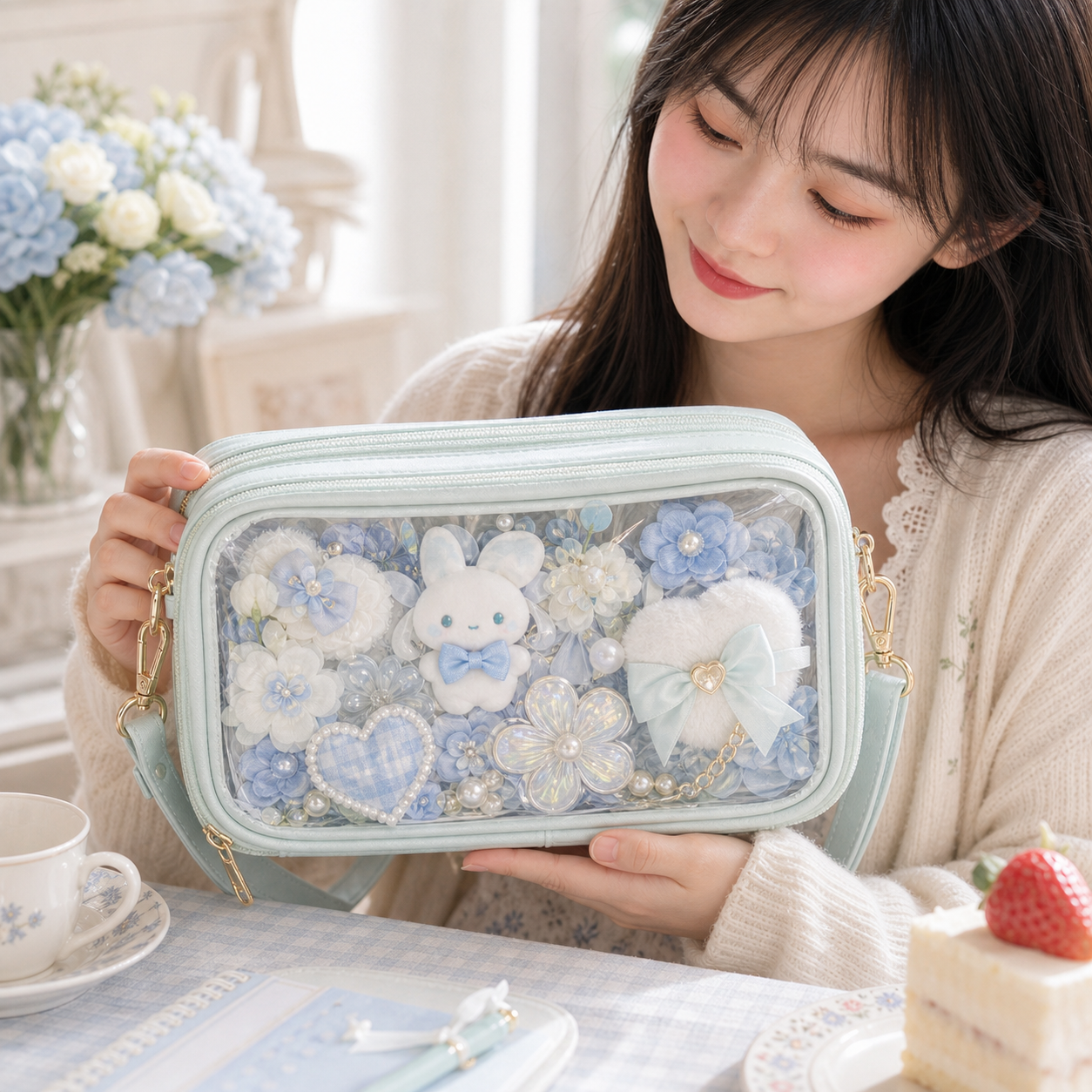
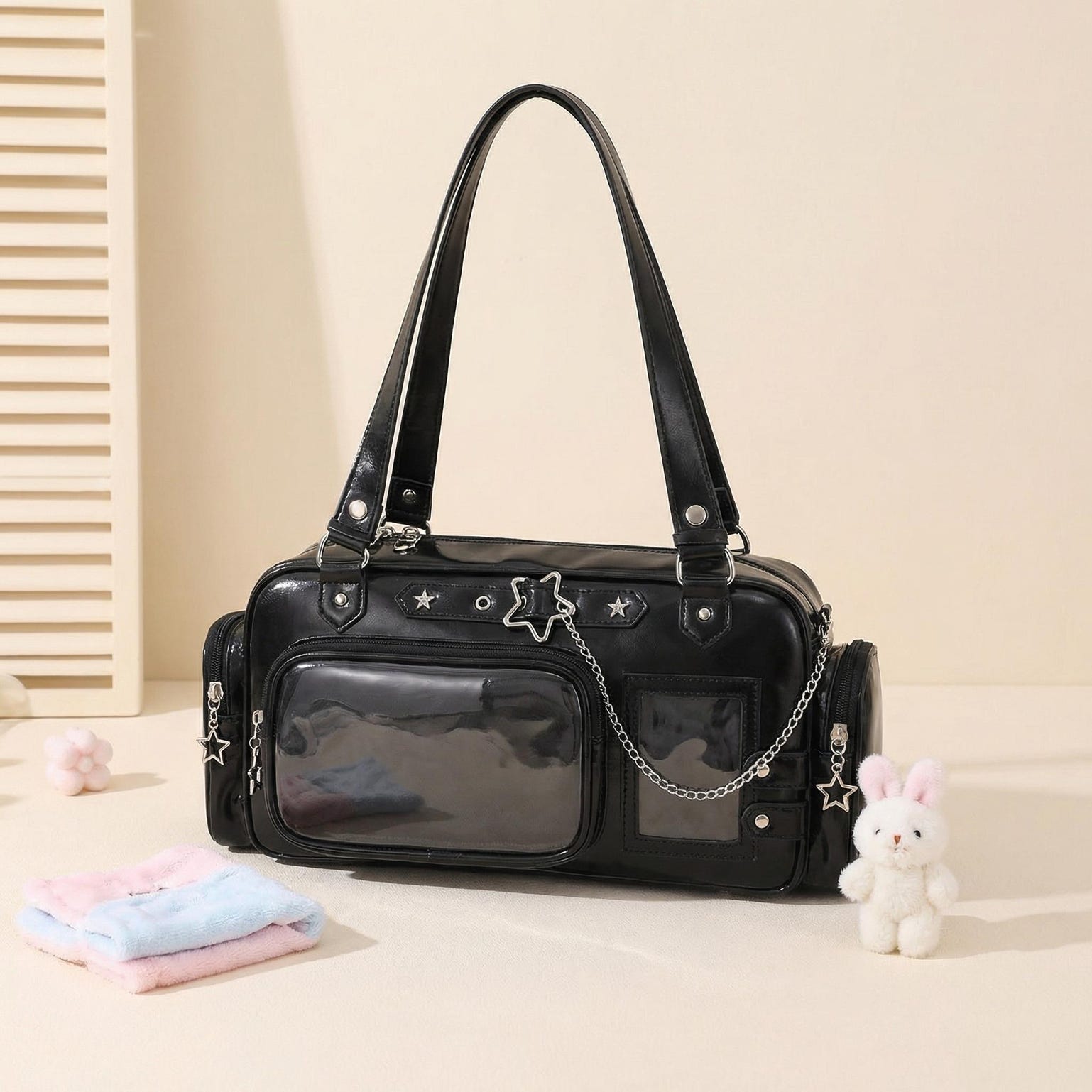
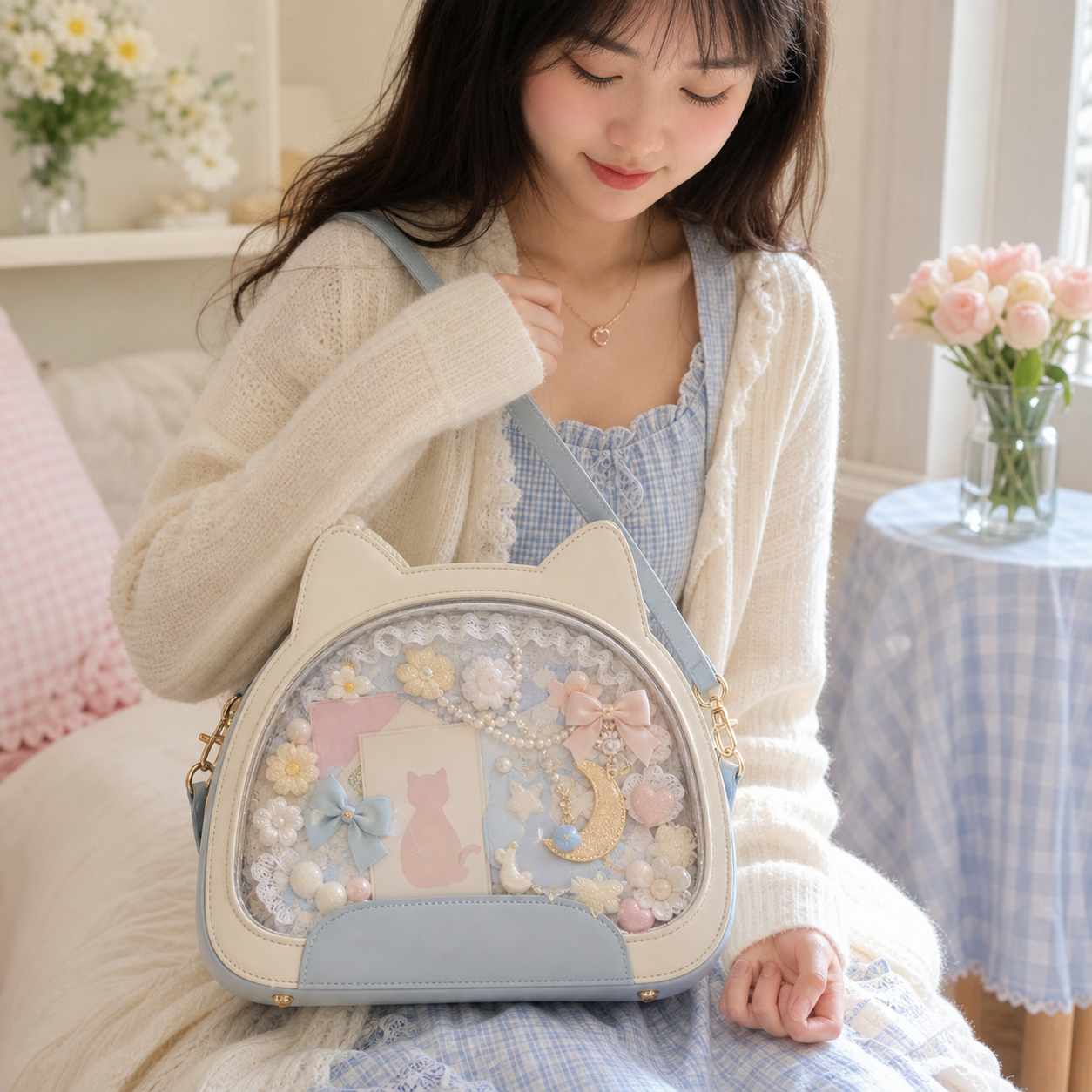
- Window width and height — Listings that state a window size give a useful reference: the Small Ita Crossbody Bag with Clear Window for Plushies and Pins lists 16.5 × 15 cm, the Blue Kawaii Cat Convertible Ita Bag with Clear Window for Pin Display lists 22 × 14 cm, and the Black Plaid Ita Backpack with Star Patch lists 26 × 24 cm. Always confirm on your own bag. If your bag has a shaped window, such as a heart or a star, trace the opening onto paper directly, then photograph the tracing next to a ruler so you can redraw it at true size.
- Clearance — Subtract a few millimetres from each side so the board slides in without forcing the frame. A board cut to the exact window size tends to bow the clear panel once pins are added, which leads to pressure marks. Two to three millimetres per side is a sensible starting point; you can always trim more.
- Depth — Measure how much room there is between the back of the compartment and the window. That number decides how thick the board can be and how far pins, charms or a plushie can stand out from it. Note the depth on the template itself so you remember it when you plan the next layout.
How do you turn the measurements into a printable template?
Any app that lets you draw a rectangle in millimetres and print at 100 percent will do: a word processor, a spreadsheet with fixed column widths, or a free drawing tool. Set the page units to millimetres or centimetres, draw the outline at your final board size, and print with scaling switched off, often labelled actual size or 100 percent. Then measure the printout with a ruler; if it is even a few millimetres out, fix the print setting before you go further. Save the file as well as the printout, so you can adjust the grid later without starting over. Paper size decides how many sheets you need, and a few extras make the template much more useful:
- Choose the paper — A4 is 21 × 29.7 cm and US Letter is 21.6 × 27.9 cm, so small windows such as 16.5 × 15 cm or 22 × 14 cm fit on one sheet (turn the page for the wider one). A 26 × 24 cm window is wider than either sheet in both directions. Printer margins can clip a full-width outline, so leave some space around it, and use thicker paper or card, which holds its shape better when you trace around it.
- Tile larger windows — For windows such as the Large Ita Bag with Clear Window for Plushies and Pins at 29 × 31.5 cm or the Large Kawaii Y2K Ita Tote Bag with Clear Window for Pin Display at 33 × 23 cm, print on A3 (29.7 × 42 cm), or split the outline across two A4 sheets with a small overlap and tape them together. Mark alignment crosses on both sheets before printing so the halves line up exactly.
- Add a pin grid — Draw circles at your badge size with a small gap between them. For standard 58 mm badges, a 60 mm spacing leaves a 2 mm gap; larger 75 mm badges need wider spacing. Overlapping rows look fuller but need careful planning. Smaller badges can share the grid as long as each circle keeps its own gap, and printing one test row first lets you hold real badges against it.
- Mark the centrepiece — Outline where your main item goes, such as a large badge, an acrylic stand or a plushie, and build the grid around it rather than filling the sheet first. For a plushie, draw its footprint rather than its full outline, because only the base touches the board.
How do you use the template to build the insert?
Once the printout matches your measurements, it becomes a guide for cutting the board and placing every pin. Work on a flat, protected surface, and do each step with the template fixed in place so it cannot shift between cuts. The goal is a board that slides in cleanly and a layout you only have to plan once. If you rebuild the display often, laminate the template or copy it onto card so it survives repeated use. Follow these steps in order:
- Trace the outline — tape the template to the board and cut along the outline with a craft knife and a metal ruler. Our guide on how to make an ita bag insert covers cutting and finishing in detail. Several light passes cut cleaner than one hard one.
- Mark the pin positions — push a pin through the centre of each circle on the template to leave a small mark on the board, then remove the paper and make each hole at a mark. On fabric-covered boards, mark the positions before you add the fabric.
- Test the fit before pinning — slide the bare board into the bag and close it. Trim any edge that catches before you add pins, when adjustments are still easy. Check the corners in particular, since rounded frame corners are the usual snag.
- Keep the template — store it flat with the bag. When you swap the display after an event, the grid shows exactly where the holes are, and the insert materials guide helps if you want to rebuild the board in a sturdier material. Label the template with the bag’s name and the date, since templates for similar bags are easy to mix up.
What template mistakes should you avoid?
Template mistakes are easy to make and easy to avoid once you know them. Almost all of them come from measuring or printing at the wrong size, so a ruler check at each step catches most problems before they reach the board. If you share templates with friends, write the bag model on each one. Watch for these three:
- Printing with fit to page — many print dialogs shrink the page by default, which quietly makes every measurement wrong. Always print at actual size and check with a ruler. Some printers add their own margins as well, so measure a known line whenever you switch printers.
- Measuring the outside of the bag — the outer dimensions include seams, piping and padding. Measure the inside of the window opening instead. Listing dimensions usually describe the whole bag, so use a stated window size where one is given.
- Forgetting depth — a flat template does not show how far items stand out. Check that deep pieces, such as acrylic stands or plushies, still clear the window at the positions you marked. Marking deep pieces on the template in a different colour makes them easy to spot.
Shop Ita Bags
Browse bags with clear windows in the ita bags collection; where a listing states its window size, you can plan a template before the bag arrives and confirm it with your own measurements once it does. Window sizes vary even within one style family, so plan per bag rather than per shape.
Shop Popular Ita Bags
Explore our top picks — clear-window bags ready to ship.
New to ita bags? Start here: What is an ita bag? Everything you need to know →
Further Reading
Written and maintained by the YourItBag editorial team, drawing on product testing, collector community feedback, and ongoing market research.
Ready to build your ita bag?
Browse 500+ ita bags, inserts & accessories — with free US shipping at YourItBag.
Shop Ita Bags Starter Kit